Voice cloning is increasingly used for audiobooks, podcasts, and digital content creation.
Yet current systems remain black boxes. It’s hard to understand what’s happening or meaningfully improve the output.
How can we break this black box and make this creative workflow more intuitive & human-centered?
2026 PRODUCT DESIGN
AI UX
Voice AI
App development
Overview
CLIENT
Salesforce AI
Time
Jan - June 2026
Team
2 Researchers, 2 Designers
Role
Product Designer
Tools
Git, Claude, Vercel
My Role
This project was University of Washington's final capstone project sponsored by Salesforce AI team based in San Francisco.
As product designer of the team, I led the product prototyping and interaction design from concept to final experience.


My biggest contributions were:
Setting up the initial Git repository and Vercel deployment workflow.
Creating the branded design system.
Leading the design and implementation of the voice editing experience.
Solution
We built an AI Playground that unifies recording, evaluation, and fine-tuning into a single workflow.
*This video demonstrates a sample workflow. For the full experience, try the our product!
Outcomes
14 +
participants across 2 research rounds
100%
task completion rate of final product
20+ hours
of user validation sessions
Validated by experts from

Special thanks to Julie Zhuying, Senior UX Manager at Google, and Behzod Sirjani, Chief of Staff at Vercel.
Key features
Overview
4-step workflow
Voice cloning is still a very professional area. For general users to be able to use it with agency, we structured our approach into 4 steps.
Step 1. Recording
Users starts recording their voice.
Step 2. Preview
User gets two distinct options with clear guideslines.
Step 3. Content Selection
User & model share a baseline for contextual editing.
Step 4. Editing
Editing with pinpointing tools.
Feature 1.
Actionable and guided recording
A quality voice clone starts from the recording process. Clear feedback and progress provide actionable feedback.


Realtime Voice Coverage
Users receive real time feedback on each voice parameter analyzed by the voice model API.
Feature 2
Structured clone evaluation
When there's only one clone, it's hard to tell whether its good or bad.
To support decision making, we provide a structured comparison.
Feature 3
Editing in context
By choosing a content type, users provide context for the model.
This creates a shared baseline, enabling context-aware presets and editing controls in the playground.

Content aware presets
Selecting a content type presets the recommended tones

Realistic sample scripts
Realistic scripts were written to match different use cases.
Feature 4
Global and granular editing
Users can pinpoint the parts that sound "off." No need to describe technical voice attributes. AI can translate high-level intent into precise model edits.

Speak naturally, not technically
AI translates plain language into model-editable voice attribute

Iteration as collaboration
AI explains how it interprets each request. This makes every edit transparent and collaborative.
Context
This project was sponsored by Salesforce AI, where voice cloning is an emerging area for B2B applications.
Our research focused on exploring how voice cloning can become more interpretable for everyday users.

Problem
Voice cloning is becoming increasingly common for content creation.
However, despite advances in model quality, the cloning process remains largely a black box.

Research process
We analyzed voice cloning platform workflows and conducted co-design sessions with experienced voice cloning and TTS users.

Competitive Analysis
Analyzed the end-to-end workflows to identify common patterns.

Co-design Interviews
Made blank page, simplified prototype with hume model for co-design with N=7 participants
What already exists
Current platforms such as Hume AI and ElevenLabs offer polished, user-friendly experiences.
However, their workflows are primarily transactional. Users record their voice and receive an output with little understanding of how it was generated and how it can be improved.

Initial prototype
We started with a low-fidelity skeleton prototype to surface mental models without leading users.
I led the first prototype development and setting up the initial Git repo & Vercel deployment workflow.
Initial findings
Across 7 participants, multiple themes emerged that shaped our iterations.

Input
Users believed output quality depends on the quality of their recordings.
Gap
The prototype gave them no guidance on what "good" looked like.
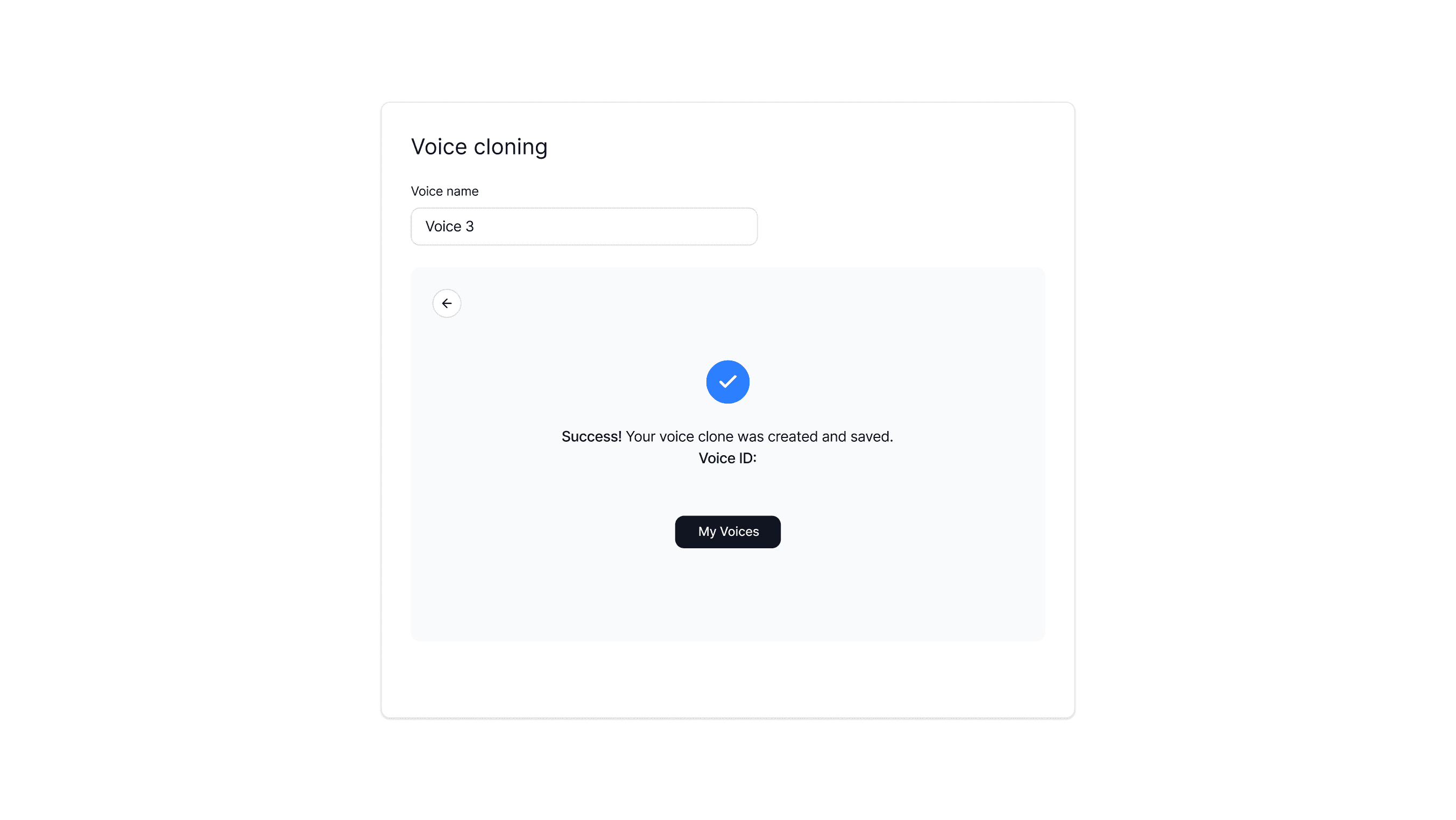
Training
Users wanted to understand what was being captured in their clone.
Gap
The system offered no visibility into what was being learned or why.

Output
Without context, editing lacked direction. Users who spotted errors tended to re-record rather than refine.
Gap
The system didn't allow finer control over filler words, accent, or emotion.
Design iterations
Challenge 1.
Providing real control without adding complexity
The real challenge wasn't giving users enough controls; it was keeping them in the flow.

I explored sliders and a 2D matrix dial, but each added a layer users had to think through before they could act. The goal was to match how users actually experience voice.

Challenge 2.
Bridging word-level intent with API constraints
Users wanted to fix a specific word or phrase, but the API only operates at the sentence levels. The design challenge was making a sentence-level system feel word-precise.

Solution: Pin-based editing
To solve this, I designed the pin system to feel word-precise while actually regenerating the whole sentence with targeted parameter overrides.The interaction drew from a familiar modern UX pattern; dropping a pin to flag or comment something.
Challenge 3.
When & how to surface pinpoint fixes

Usability Issues
A comment-style UI confused some users. It felt like leaving feedback rather than making an edit. The "Pin edit" label added confusion.
Position was equally tricky. Adding it to the control panel felt disconnected from where users were actually looking.
Users want to know how adjusting each control would affect the voice output.
Solution: Contextual positions
I designed a contextual action bar surfaced directly on text selection: bringing Edit with AI, Pause, and Filler words inline with the problem.
Contextual action bar
The edit lives where the issue is.
Edit queue feedback
Users can see how their requests are being sent to the system.

Clear & intentional UX writing
Copies were rewritten so users knew exactly what each control would do.
Impact
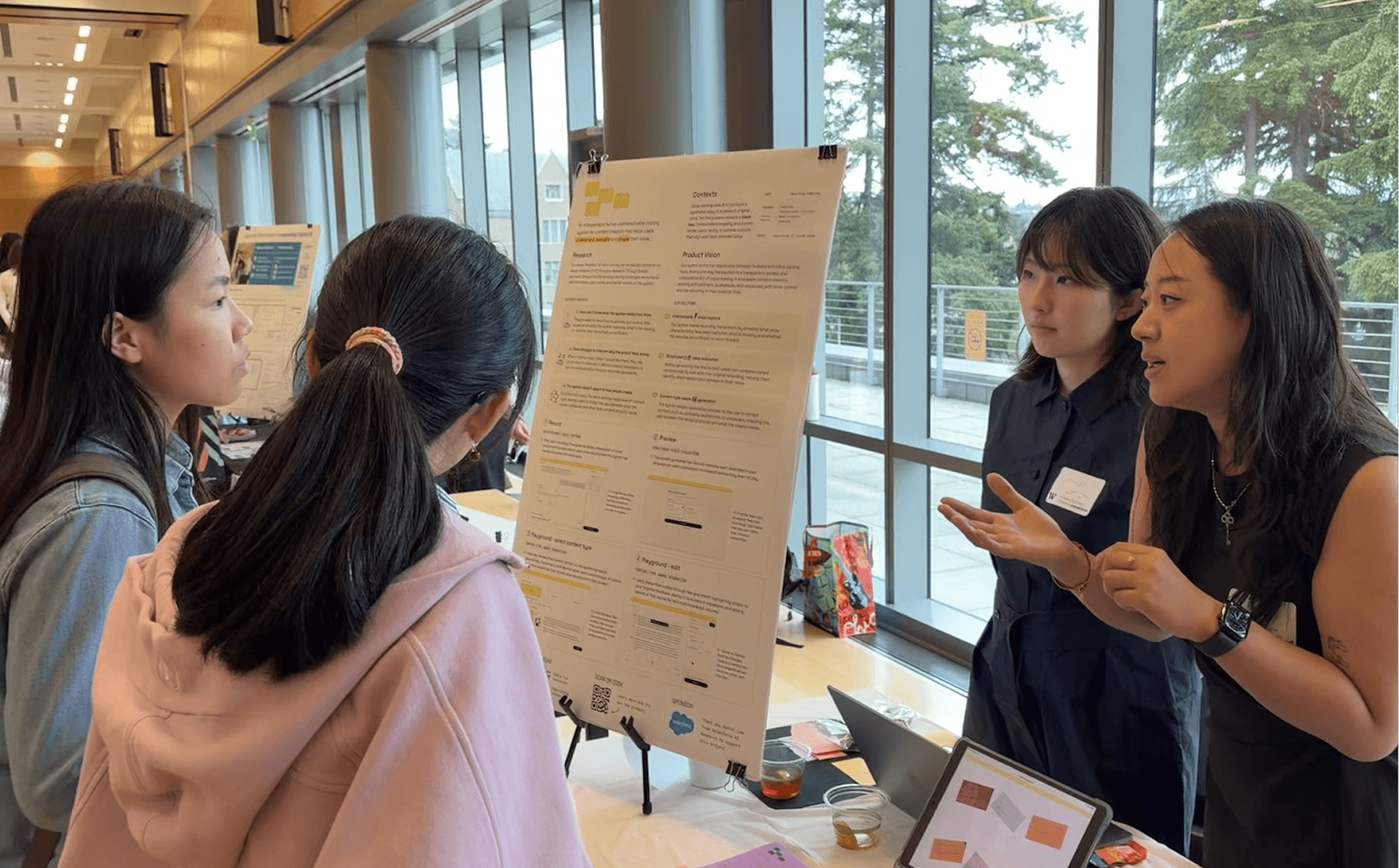
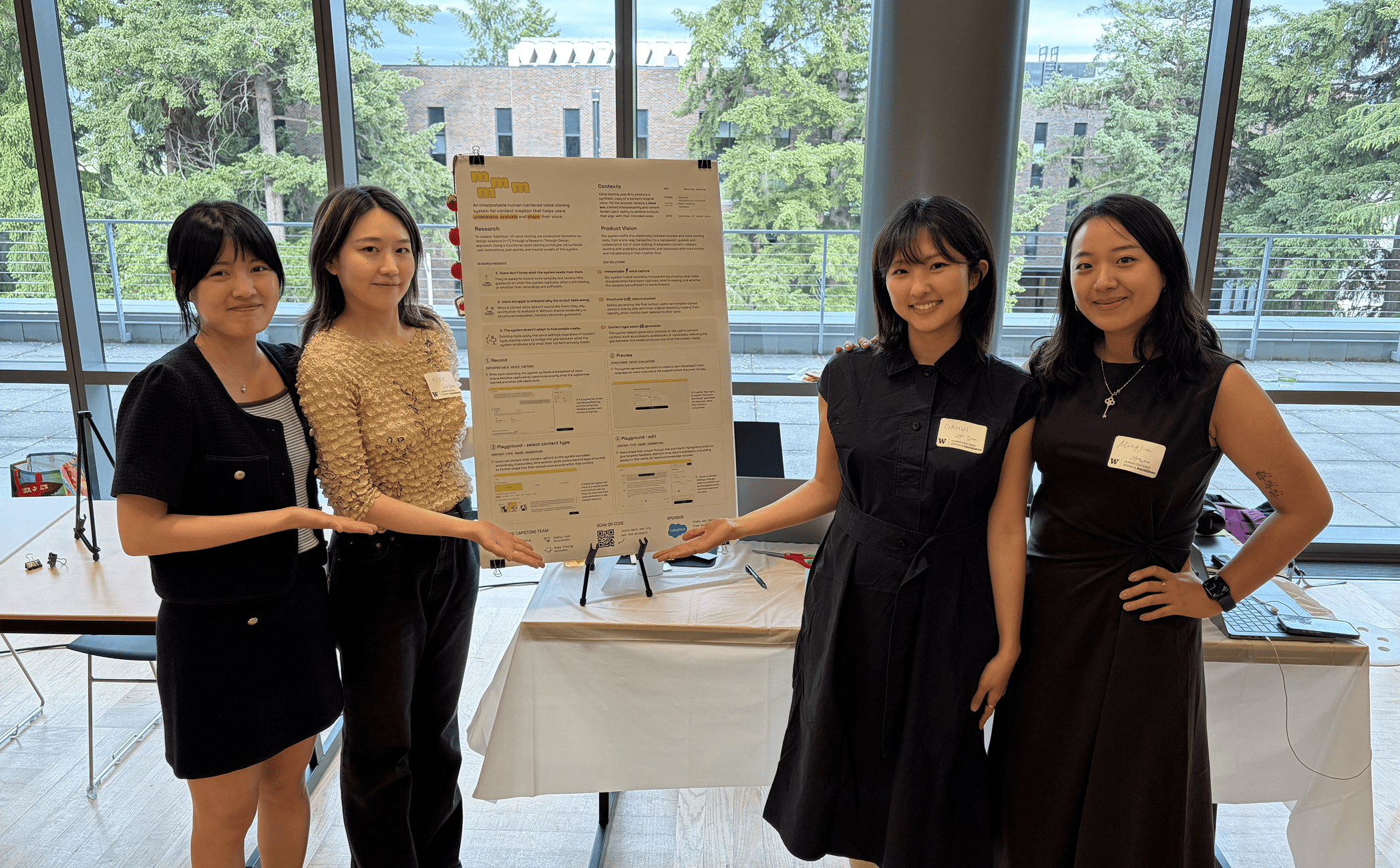
It was showcased at UW's HCDE capstone showcase in June 2026.
We introduced the system to 100+ visitors and put it in the hands of 30+ people. We received overwhelmingly positive responses.

Reflections
Using AI wisely, owning the craft
Building a working AI prototype meant designing at the system level. From day 1, Soyun & I treated feasibility like a PMs, discussing model limitations and technical constraints before designing.

Checking constraints 24/7

Omg… endless git pushes & PRs
Make every choice intentional
Every interaction was intentional. I grounded decisions in user feedback, resulting in a more engaging product.
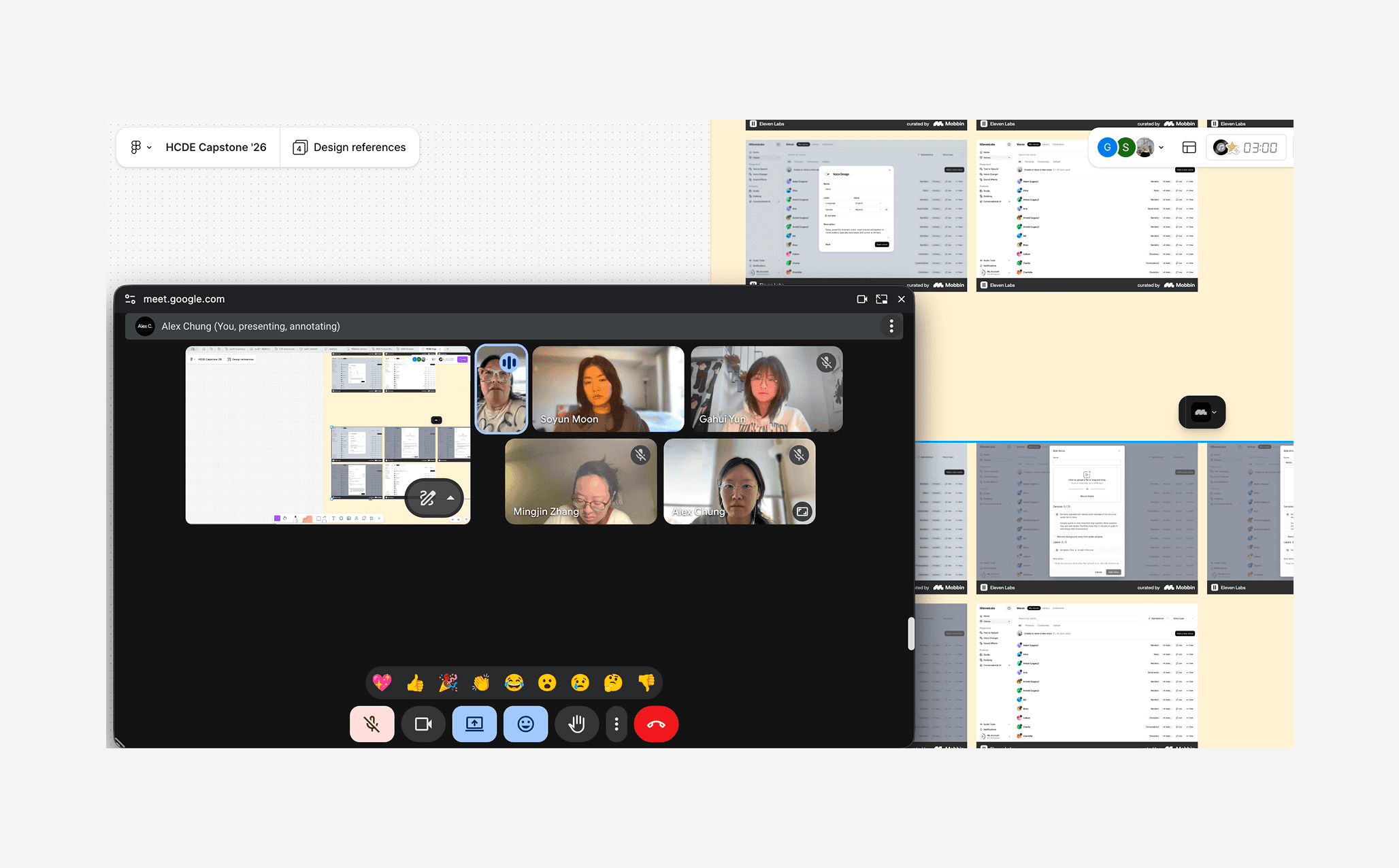
Weekly critiques to validate
Intentional design crafts!
Unforgettable 6 months!
A strong capstone matters, but the people matter more. I'm grateful for working alongside teammates who were thoughtful and deeply collaborative!
