My Monthly Widgets
IOS widget system to drive daily engagement
Cycle tracking only delivers value when users remember to open the app.
How can we turn My Monthly into a proactive companion that shows up before users have to ask?
2026 PRODUCT DESIGN
iOS app
Mobile
Widgets
Overview
Company
My Monthly
Time
March - May 2026, Launched May 2nd
Team
1 Designer (Me), 1 Dev
Role
Product Designer
My Role
I designed My Monthly's widget system to shift the product from a destination app into a proactive companion. Working within iOS's real constraints, I built a visual language for cycle phase and partner context that reads at a glance.
Solution
I shipped a iOS widget system that delivers glanceable cycle data and daily insights to drive daily engagement.
Outcomes
+38%
DAU growth during rollout period
+23%
MAU growth
+63%
Weekly returning users vs. 9 weeks before launch
The week of May 14 (2 weeks after launch) saw the largest single-week active-user jump in 18 months of data!
Key features
Feature 1
Logging without opening the app
Tapping the widget deep-links straight into the log flow and confirms in seconds.
Feature 2
Built for two people, not one
Every Countdown widget renders two ways: one view for the person tracking their cycle, one for the partner supporting them.

Feature 3
Mood check-ins that shift with your day
Mood companion widgets shift across morning, afternoon, and night to effectively nudge users.
Feature 4
From moods to body literacy
Mood logging is paired with phase-based color and copy. Each phase gets its own look and language. A daily check-in becomes a small lesson in body literacy.

Context
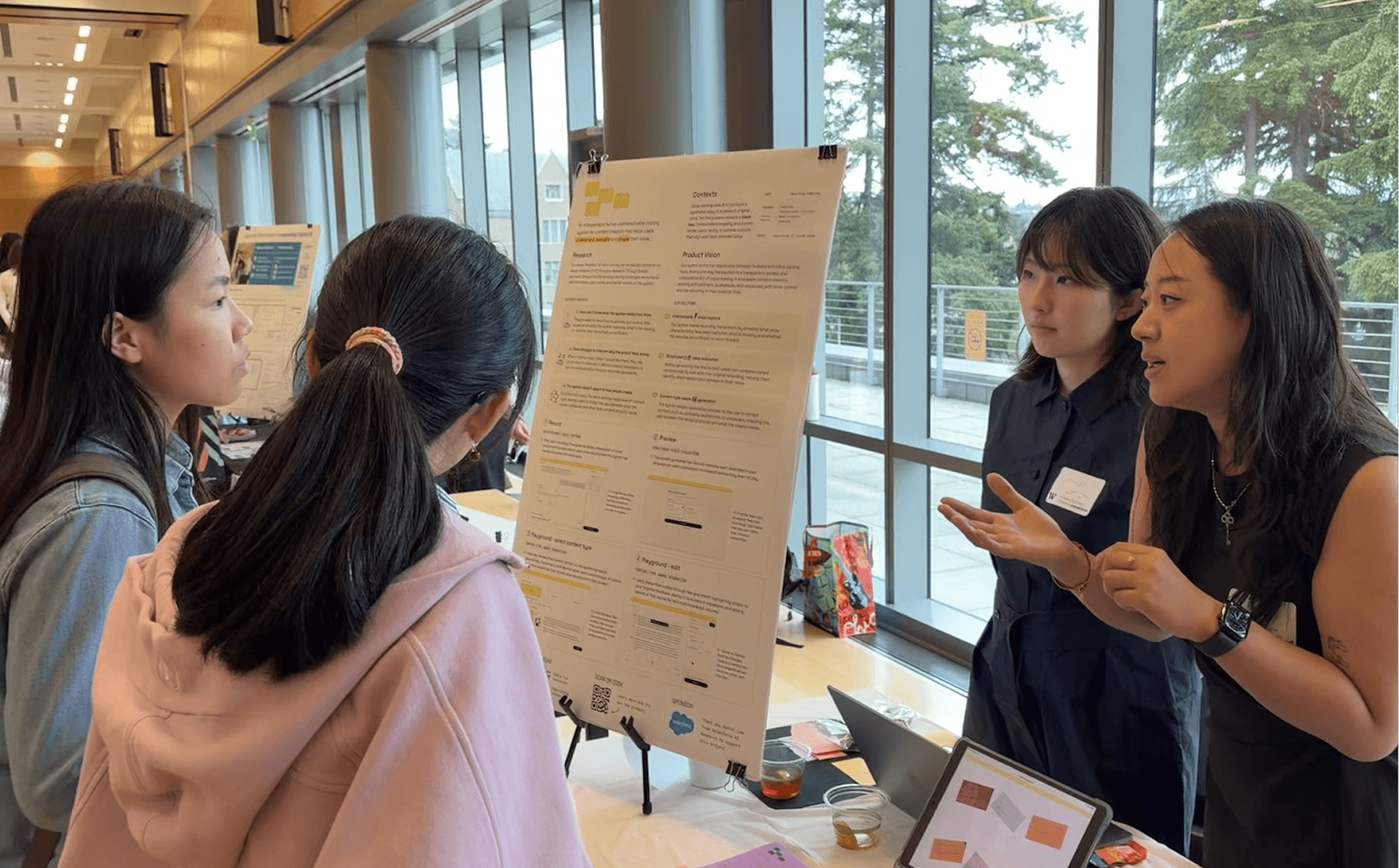
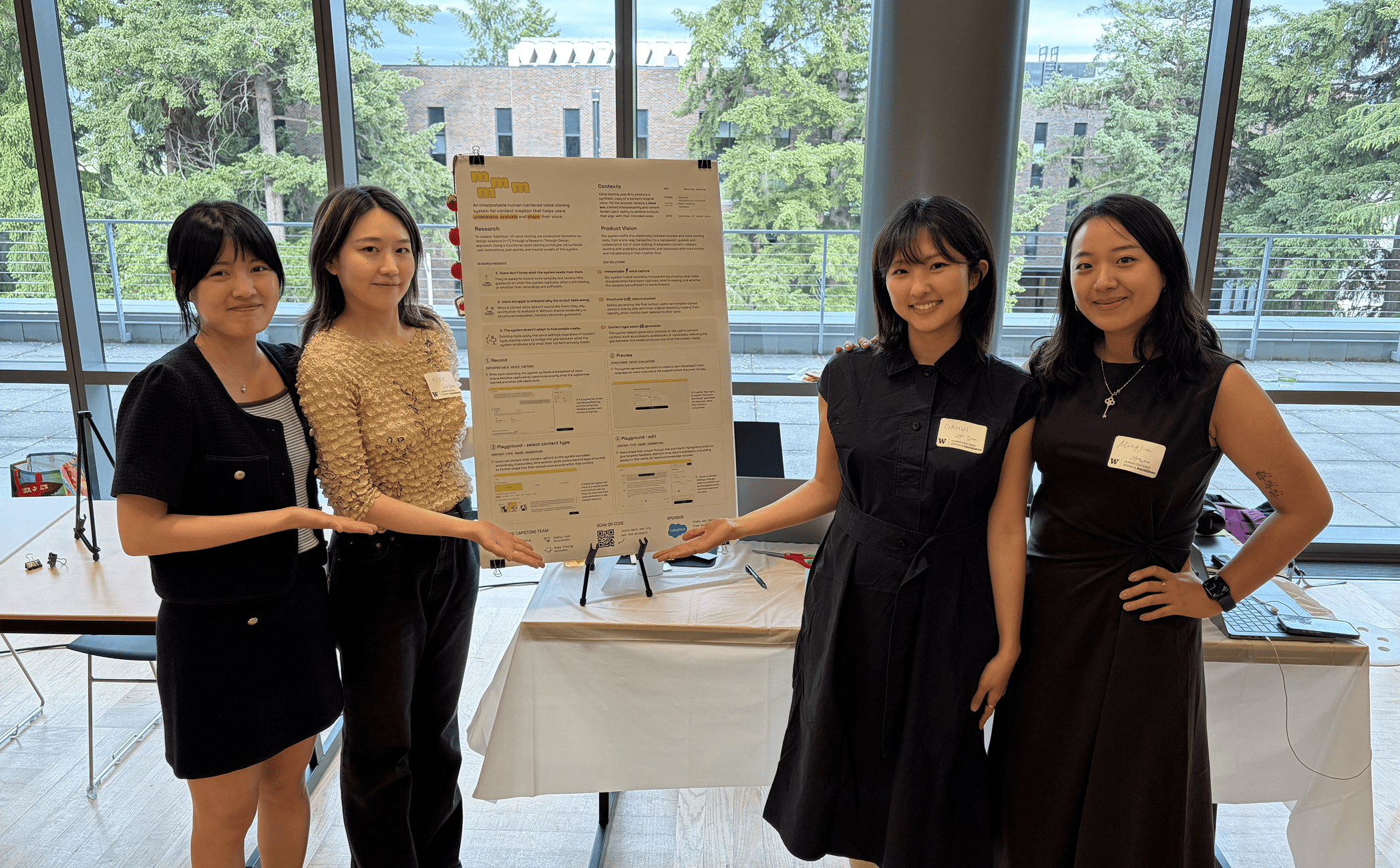
This project was sponsored by Salesforce AI, where voice cloning is an emerging area for B2B applications.
Our research focused on exploring how voice cloning can become more interpretable for everyday users.

Problem
Voice cloning is becoming increasingly common for content creation.
However, despite advances in model quality, the cloning process remains largely a black box.

Research process
We analyzed voice cloning platform workflows and conducted co-design sessions with experienced voice cloning and TTS users.

Competitive Analysis
Analyzed the end-to-end workflows to identify common patterns.

Co-design Interviews
Made blank page, simplified prototype with hume model for co-design with N=7 participants
What already exists
Current platforms such as Hume AI and ElevenLabs offer polished, user-friendly experiences.
However, their workflows are primarily transactional. Users record their voice and receive an output with little understanding of how it was generated and how it can be improved.

Initial prototype
We started with a low-fidelity skeleton prototype to surface mental models without leading users.
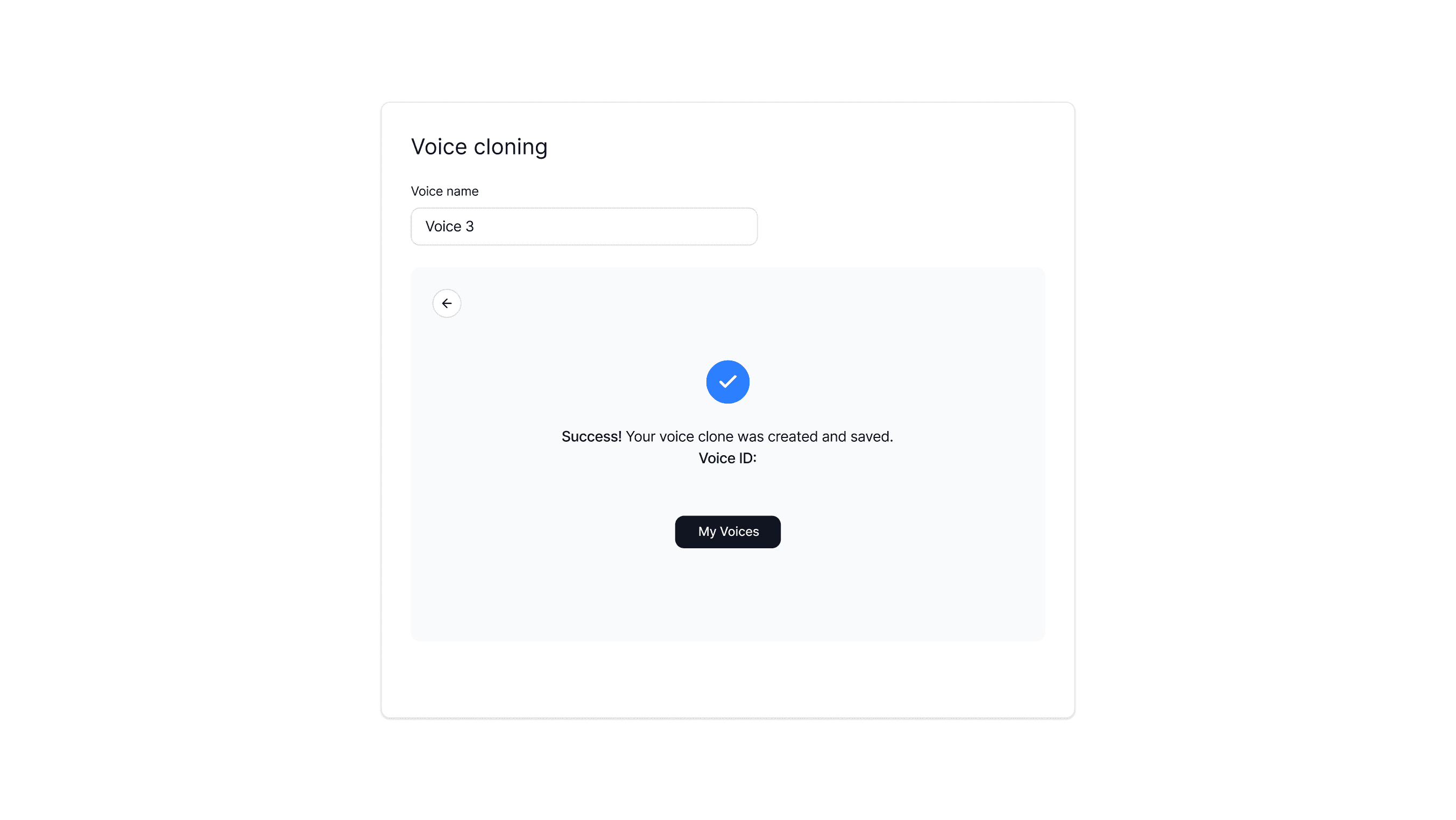
I led the first prototype development and setting up the initial Git repo & Vercel deployment workflow.
Initial findings
Across 7 participants, multiple themes emerged that shaped our iterations.

Input
Users believed output quality depends on the quality of their recordings.
Gap
The prototype gave them no guidance on what "good" looked like.
Training
Users wanted to understand what was being captured in their clone.
Gap
The system offered no visibility into what was being learned or why.

Output
Without context, editing lacked direction. Users who spotted errors tended to re-record rather than refine.
Gap
The system didn't allow finer control over filler words, accent, or emotion.
Design iterations
Challenge 1.
Providing real control without adding complexity
The real challenge wasn't giving users enough controls; it was keeping them in the flow.

I explored sliders and a 2D matrix dial, but each added a layer users had to think through before they could act. The goal was to match how users actually experience voice.

Challenge 2.
Bridging word-level intent with API constraints
Users wanted to fix a specific word or phrase, but the API only operates at the sentence levels. The design challenge was making a sentence-level system feel word-precise.

Solution: Pin-based editing
To solve this, I designed the pin system to feel word-precise while actually regenerating the whole sentence with targeted parameter overrides.The interaction drew from a familiar modern UX pattern; dropping a pin to flag or comment something.
Challenge 3.
When & how to surface pinpoint fixes

Usability Issues
A comment-style UI confused some users. It felt like leaving feedback rather than making an edit. The "Pin edit" label added confusion.
Position was equally tricky. Adding it to the control panel felt disconnected from where users were actually looking.
Users want to know how adjusting each control would affect the voice output.
Solution: Contextual positions
I designed a contextual action bar surfaced directly on text selection: bringing Edit with AI, Pause, and Filler words inline with the problem.
Contextual action bar
The edit lives where the issue is.
Edit queue feedback
Users can see how their requests are being sent to the system.

Clear & intentional UX writing
Copies were rewritten so users knew exactly what each control would do.
Impact
This was a 0-to-1 launch, and the biggest lesson wasn't visual — it was learning to say no early: killing Graph, Streak, and Carousel Tips protected the product from features that looked good but didn't deliver value. Next time, I'd surface technical constraints with engineering earlier, and spend less time perfecting edge cases at the expense of covering every component's breadth.

Reflections
Ask early
This was a 0-to-1 launch, and the biggest lesson was learning to ask early: killing Graph, Streak, and Carousel Tips protected the product from features that looked good but didn't deliver value. Next time, I'd surface technical constraints with engineering earlier, and spend less time perfecting edge cases at the expense of covering every component's breadth.
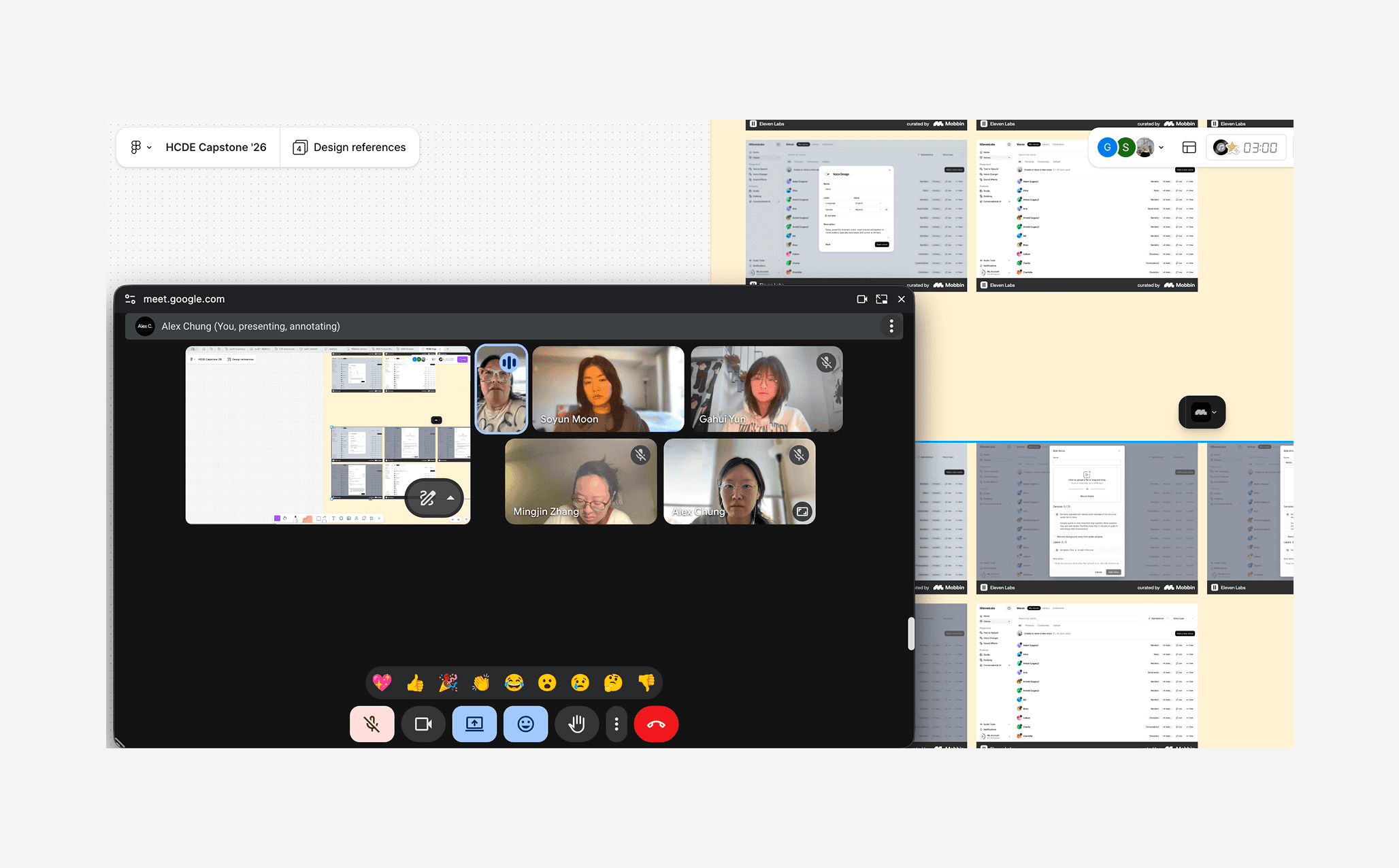
Weekly critiques to validate
Intentional design crafts!
Tapping the widget deep links straight into the log flow and confirms in seconds. No extra navigation, no wasted taps.
Back to home