Overview
About Moodfinder
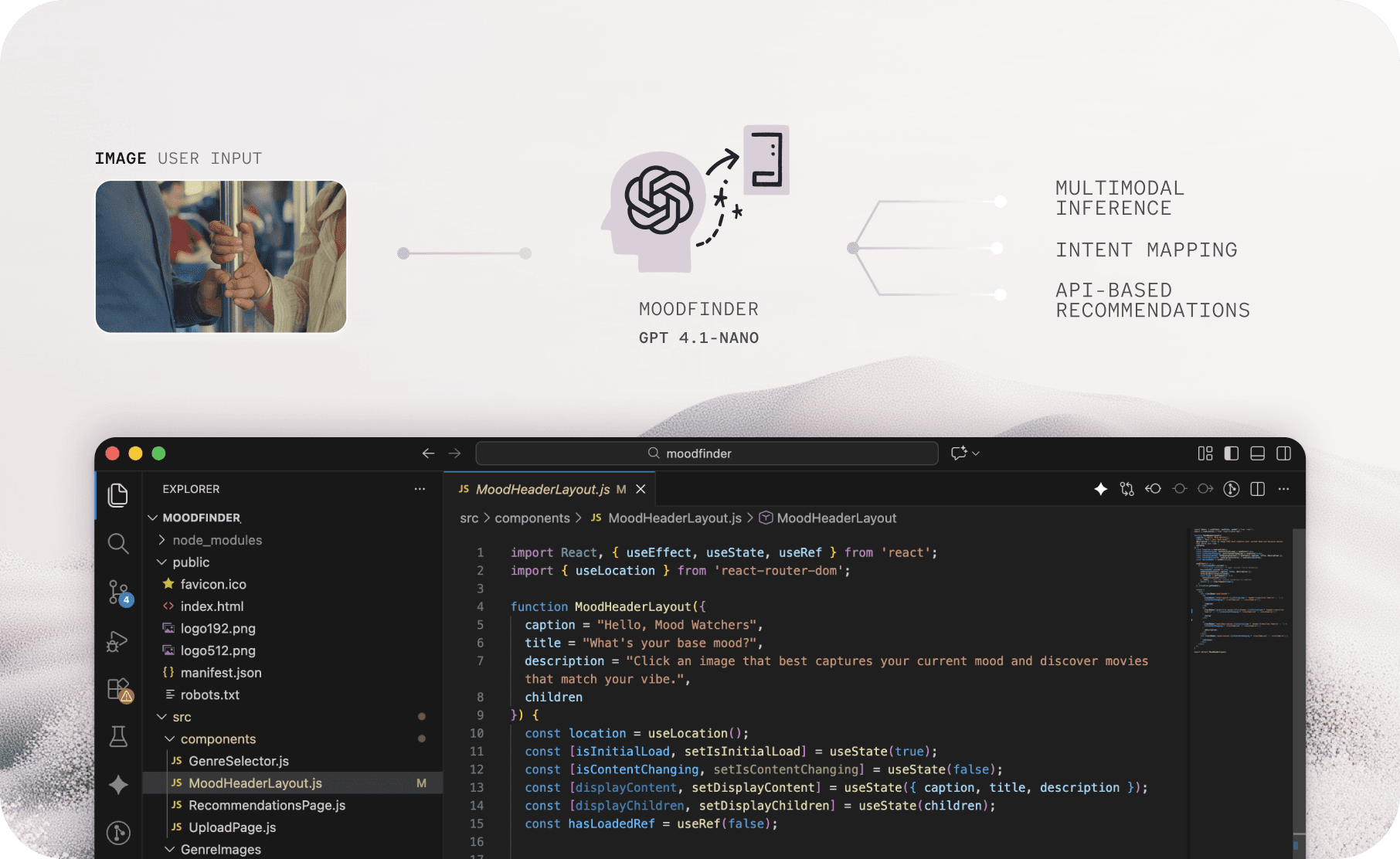
Moodfinder was the first real project where I used OpenAI’s APIs to bring an AI concept to life.
AI Design-to-Code
Learning how to build AI system
to create a functional product.
UX principles to AI
Implemented UX principles to AI dev
and iterated based on user feedback.
02/ Challenge
What to build
What if AI could recommend the perfect movie just by looking at some images you give?
1
Current recommenders are limited to text inputs.
Most recommendation systems rely on text based inputs. I wanted to twist this and use images as a new way to get movie recommendations.
2
Leveraging the newest Open AI models
High-performance computer vision models are already out there. With them, I could easily build an app that understands images and extracts rich metadata from them.
Goal Redefined
So I revised the plan to focus on multimodal image processing and reccomendation.
03/ Ideation
Figma Ideation
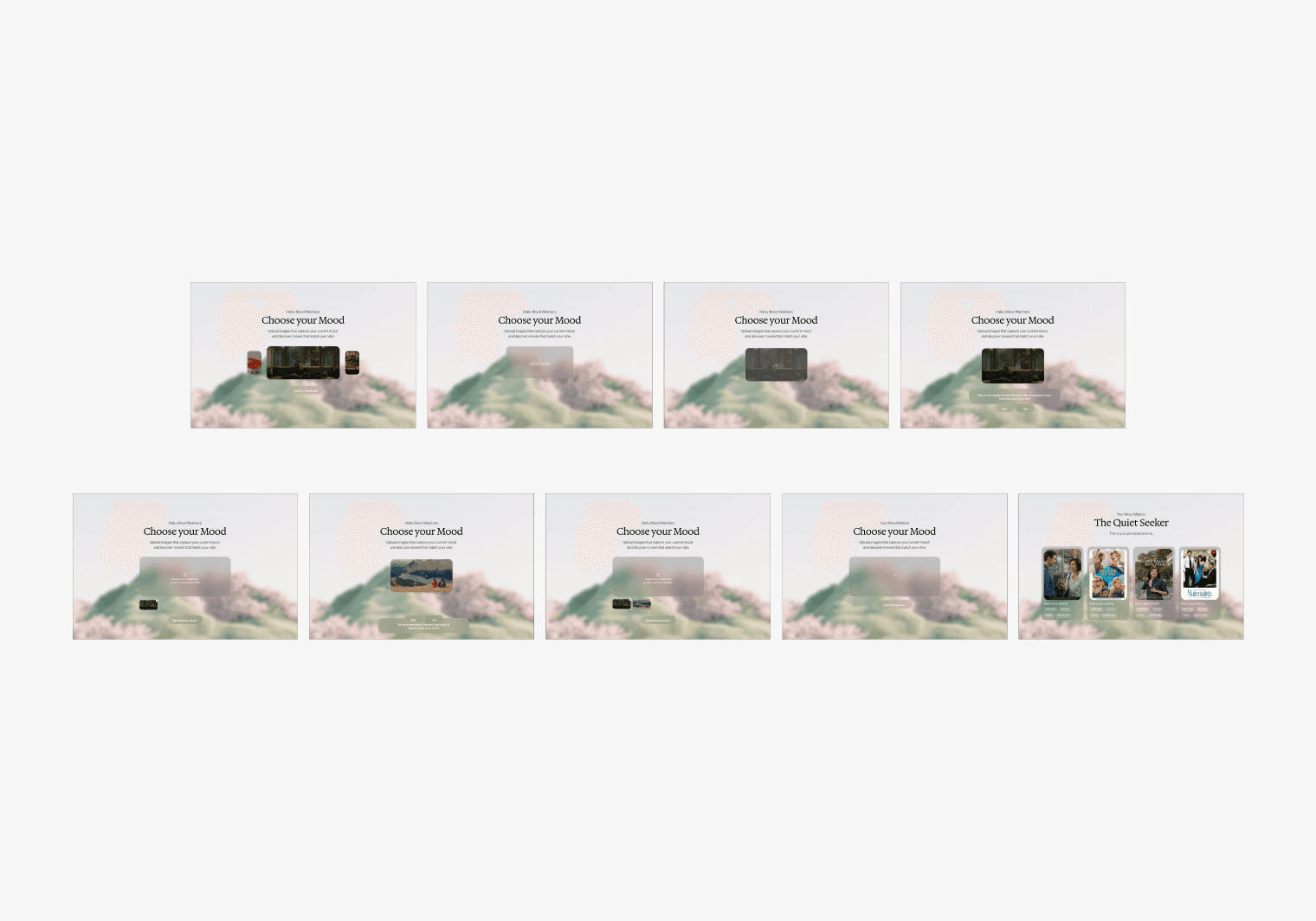
Sketching out the visuals first
For a week, I focused on understanding the system’s logic by building a feasible structure. Since I come from a design background, it was easier for me to visualize the product flow, so I started by creating wireframes in Figma. Figure 1 shows the first version of the Figma-based wireframe.
Working with AI
AI as Brainstorming Partners
While most AI projects begin with technical specs, I approached it differently. I started with a design vision and built the technical architecture around it.
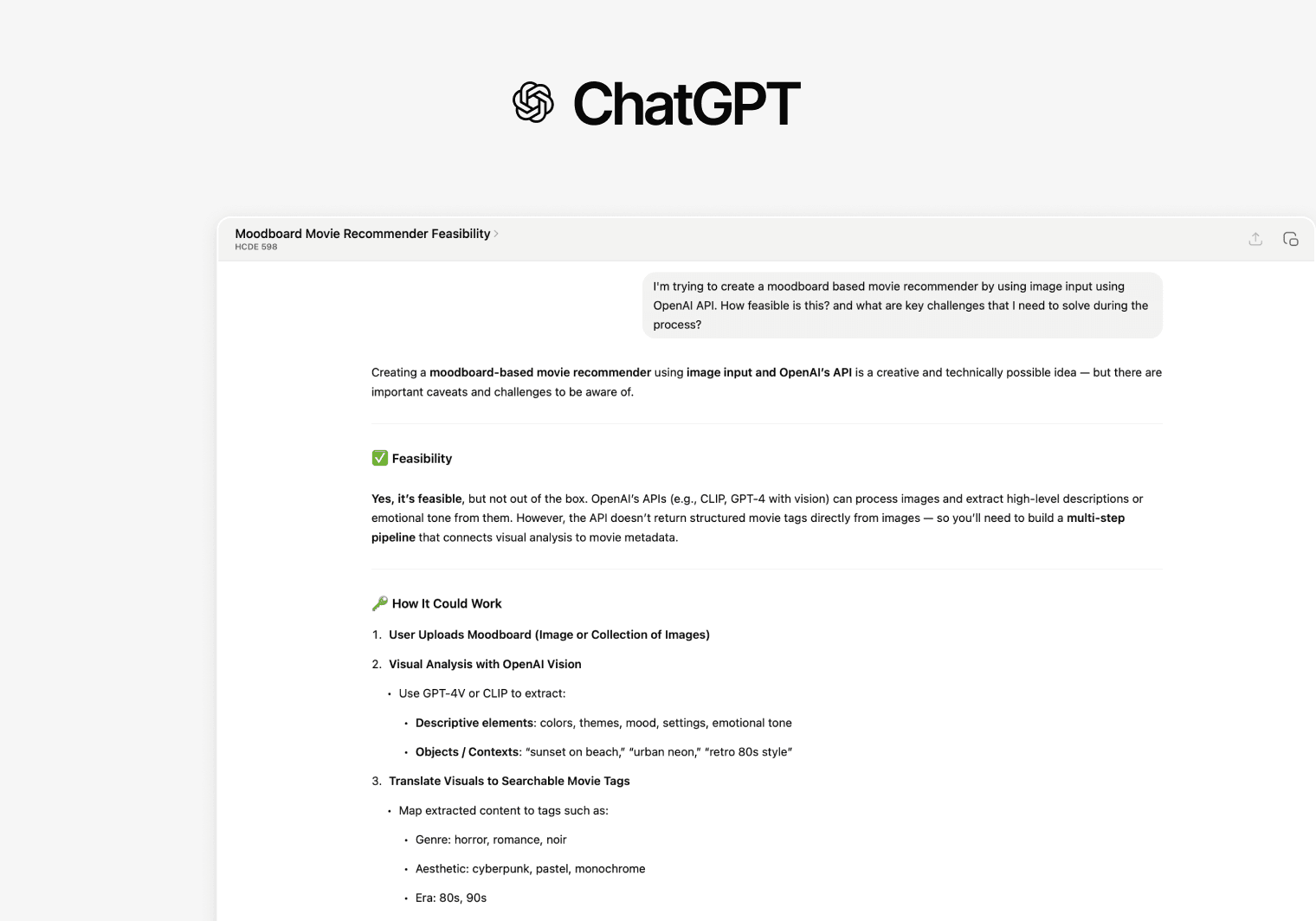
ChatGPT- Pipeline Analyzers
Using the visual image as a starting point, I explored ChatGPT (Figure 2.1) to better understand the data pipeline and key architecture behind the “Moodfinder” app. I also tested tools like V0 and Lovable to see if my Figma prototype could realistically be implemented within a React framework.
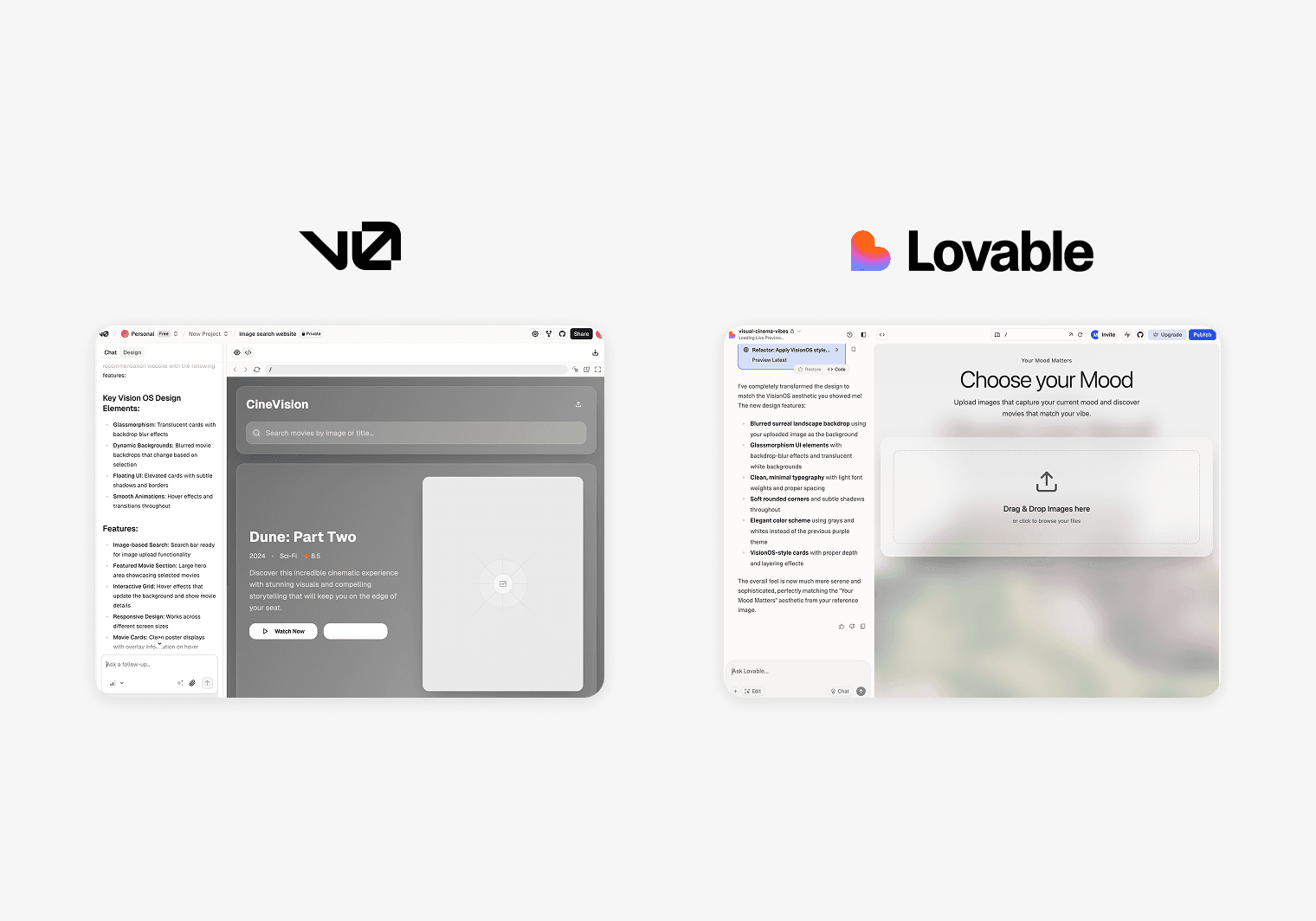
V0, Lovable - Visual partners
While tools like V0 and Lovable served more as visual brainstorming partners than development tools, they were helpful for checking feasibility and exploring how reliable AI can be in visual design. Even though the “AI consultation” wasn’t directly useful beyond that, it gave me confidence in my direction and helped me stay focused on building the product step by step.
Data Flow
Image → Mood → Movie
By prototyping with AI early in the design process, I was able to test and iterate on the core user journey directly from my Figma concepts. This approach clarified both the interaction design and underlying system architecture: Image Upload → Mood Analysis → Personalized Movie Recommendations.

Technical Architecture
Three-stage AI pipeline
I create a three-stage AI pipeline that processes images and returns personalized movie recommendations
1
Visual Processing
React frontend with drag-and-drop image upload Real-time image processing and validation Responsive UI with loading states and error handling
2
AI Analysis Pipeline
OpenAI GPT-4.1-nano for image mood interpretation Custom prompt engineering for consistent emotional analysis Genre mapping system (visual moods → TMDB categories)
3
Recommendation Engine
TMDB API integration for movie database access Curated allowlists ensuring valid movie returns Dynamic recommendation cards with rationale and details
Prototype Version 1
User testing with Ver1
Based on the evaluation plan, both quantitative and qualitative data were collected. The quantitative data was analyzed with descriptive statistics (mean, median, and mode) and was lightly used to understand the trend of the participants.
Lack of information and clarity in recommendations
Most participants expressed uncertainty about the recommendations when asked about them. The average Likert scale scores were lower on the two questions related to the recommendation quality (mean= 3.5/5), showing only moderate ratings in terms of relevance and alignment with their movie tastes.
The need for feedback and human edit
The inconsistency of AI output increased doubts for some participants. P1 also mentioned a desire to edit the keywords generated by the AI, saying, “I’d like to edit some keywords if they don’t meet my expectations or intentions.”
Lack of Flexibility
The follow-up interviews also surfaced ideas for improving the interaction design. Some participants noted the need for a more flexible image input system, suggesting alternatives like copy-paste functionality or a gallery of example images for a simpler process.
4/ Design Iterations
New Data Flow
Learning from the Version 1's failures
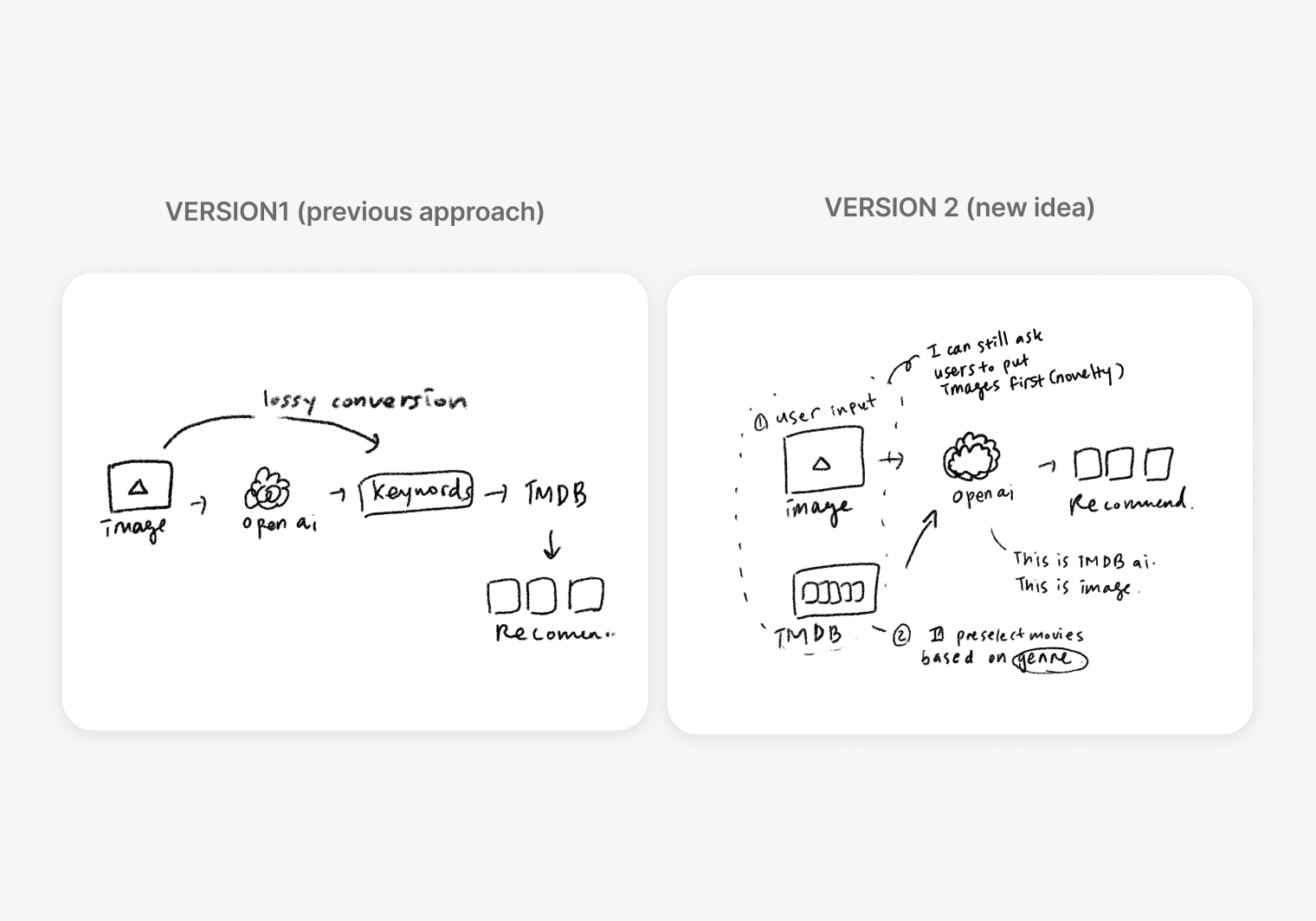
Based on this new approach, I made these changes:
Make AI recommendations directly from images:
1
Instead of inputting images to OpenAI and parsing keywords to find matches in TMDB, I decided to let the AI directly create recommendations based on the images, removing the intermediate step of keyword conversion. To ensure that the AI returns real movies, I provided an allow list from TMDB.
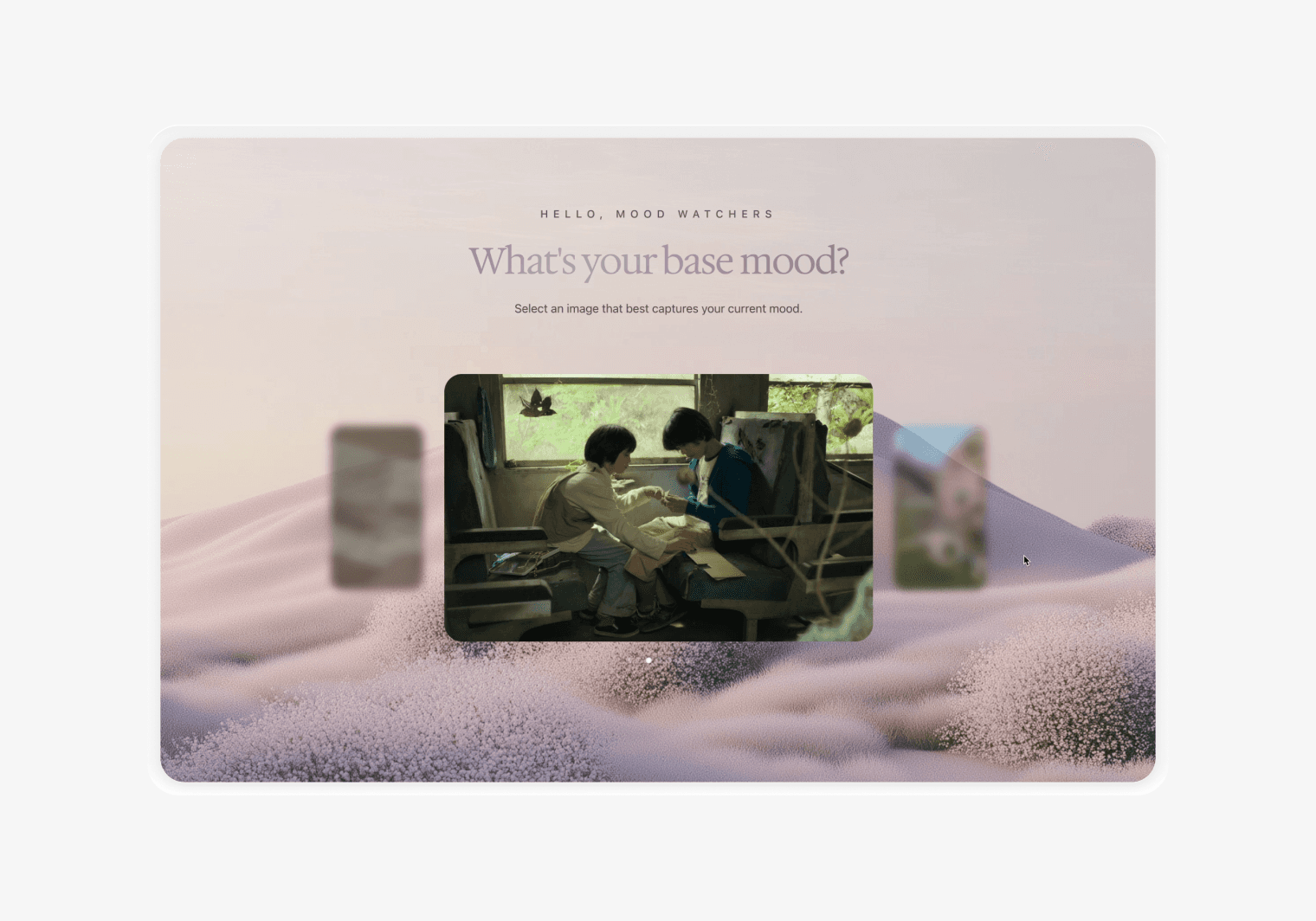
Add mood gallery to collect user’s genre preferences:
2
To improve the quality of recommendation and gather more details of user preferences, I decided to collect “genre” data. While there are 19 genres on the TMDB, I scoped it down to 7 genres: Adventure, Drama, Fantasy, Crime, Thriller, Romance, and Science Fiction. Instead of directly communicating this to users, I presented the images which are internally mapped to each genre. This “genre pre-selection” improved the quality of recommendations.
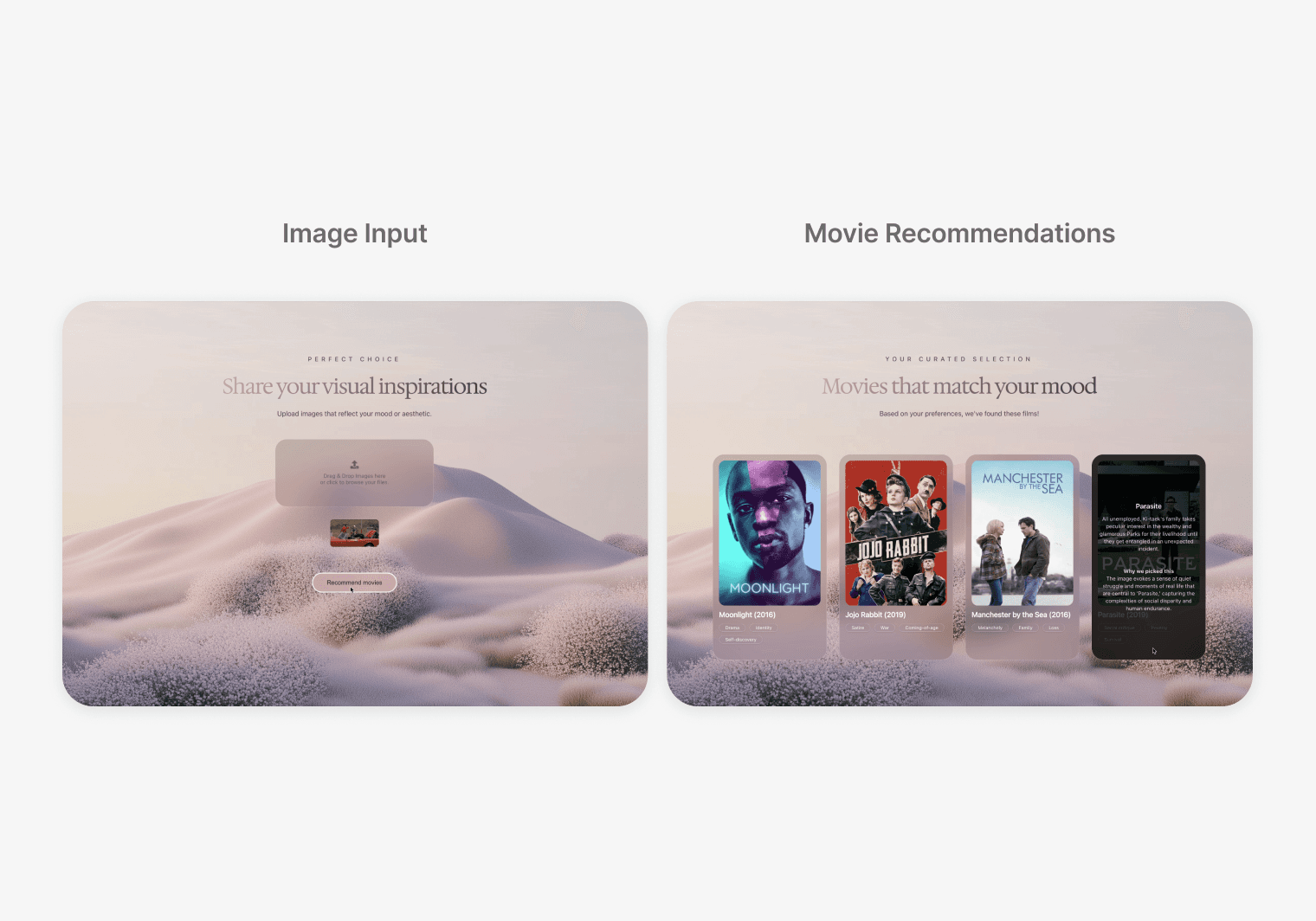
Add movie details and recommendation rationale on the result cards:
3
Based on feedback that users wanted to understand why these movies were recommended to them and have more information to make decisions, I added a synopsis, mood-related keyword tags, and a rationale to the movie cards.
Version 2
Revised data structure to improve To improve the recommendation quality and UX.
Based on the evaluation plan, both quantitative and qualitative data were collected. The quantitative data was analyzed with descriptive statistics (mean, median, and mode) and was lightly used to understand the trend of the participants.
05/ Takeaways
Want to dive deeper?
Explore more of my projects below.
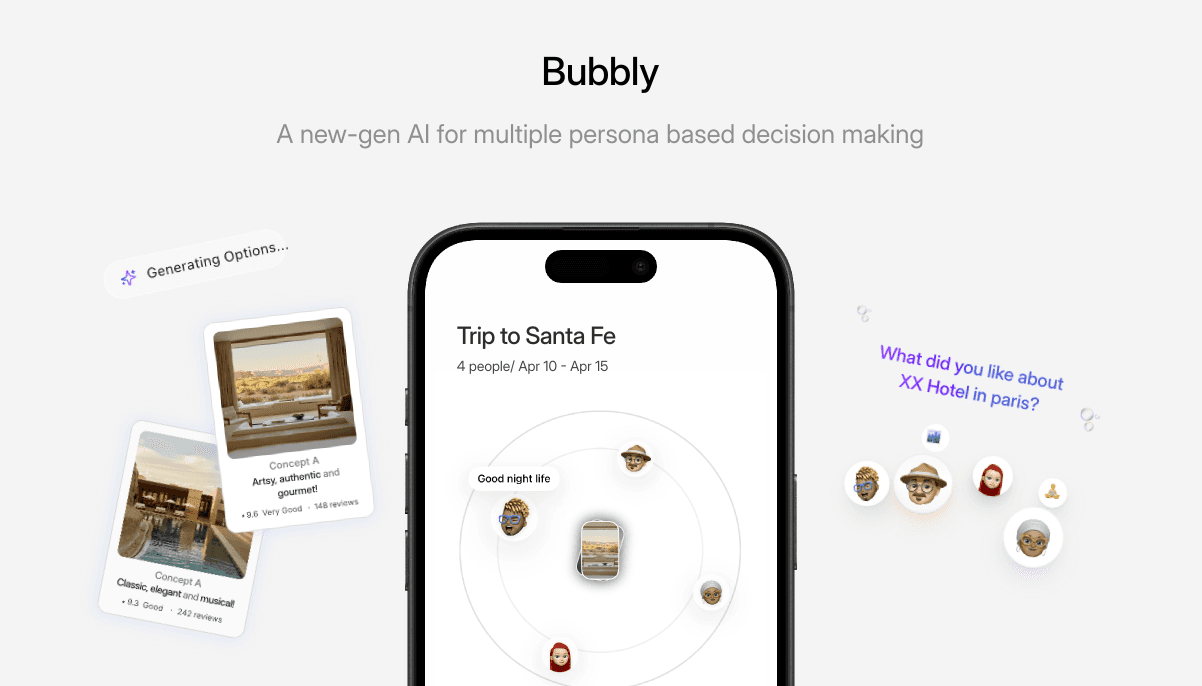
Bubbly AI
What if AI agents plan trips together?
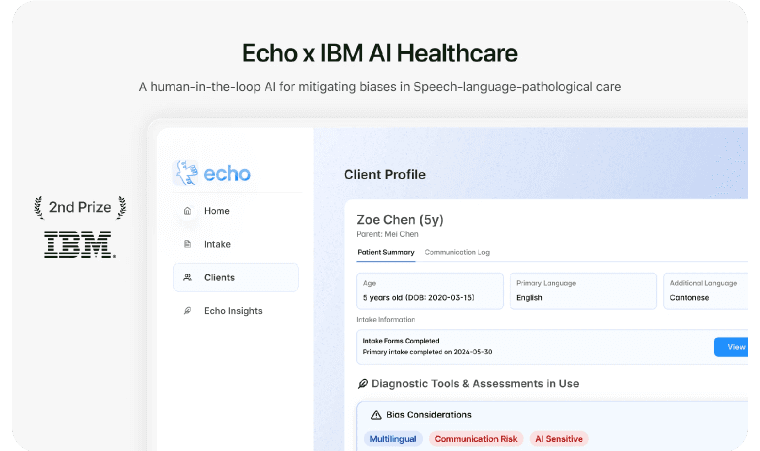
Echo X IBM 2nd Prize
Won B2B AI Global service design competition